

Have you ever wondered what a CMS is and how it can transform your business? Let’s break it down. A Content Management System (CMS) is a powerful tool that allows anyone—yes, even if youre not tech-savvy—to create, manage, and modify content on your website without needing specialized technical knowledge. ⭐️
To put it into perspective, consider this: studies show that businesses using a CMS see a 30% increase in efficiency when managing their online content. Imagine spending less time on tedious updates and more time engaging with your customers. Sounds appealing, right?
Whether you’re a small startup or a thriving business, a CMS can streamline your processes and help you maintain a robust online presence. Here’s why:
Let’s say Jane runs a local bakery. Before implementing a CMS, she struggled to update her website’s menu and pricing. After switching to a user-friendly CMS like WordPress, she can now update her offerings in real-time ⭐, creating fresh content that attracts more customers. Jane saw a 50% increase in online orders within three months! ⭐
A CMS not only simplifies content management but also offers several other features that can enhance your business:
Here’s something to chew on: According to recent data, over 60% of websites today are powered by some form of CMS. This is a clear indicator of how essential these systems have become in helping businesses thrive online.
Some business owners believe that using a CMS is unnecessary if they have a simple website. However, even the most straightforward sites can benefit from a CMS. A common myth is that all CMS platforms are the same. In reality, choices abound, from WordPress to Drupal. Each caters to different needs and skill levels, so picking the right one is key. ⭐
Take Tech Innovations, for instance. They initially relied on a basic website without a CMS. They faced delays when updating content, which frustrated their marketing team and caused a drop in engagement. After moving to a robust CMS, they reported not only faster updates but also a marked increase in lead generation—up by 40%! This shift made all the difference for their online strategy. ⭐
To make the most out of your CMS, consider these expert recommendations:
At webmaster.md, we provide a full spectrum of services, from CMS selection to setup and ongoing support. With over 20 years of experience, our professional specialists understand the intricacies of CMS platforms. Whether you need a simple blog or a comprehensive online store, we guarantee solutions that fit your business perfectly. Don’t hesitate to call us at +373 601 066 66 or visit webmaster.md to sign up for our service today! ⭐️
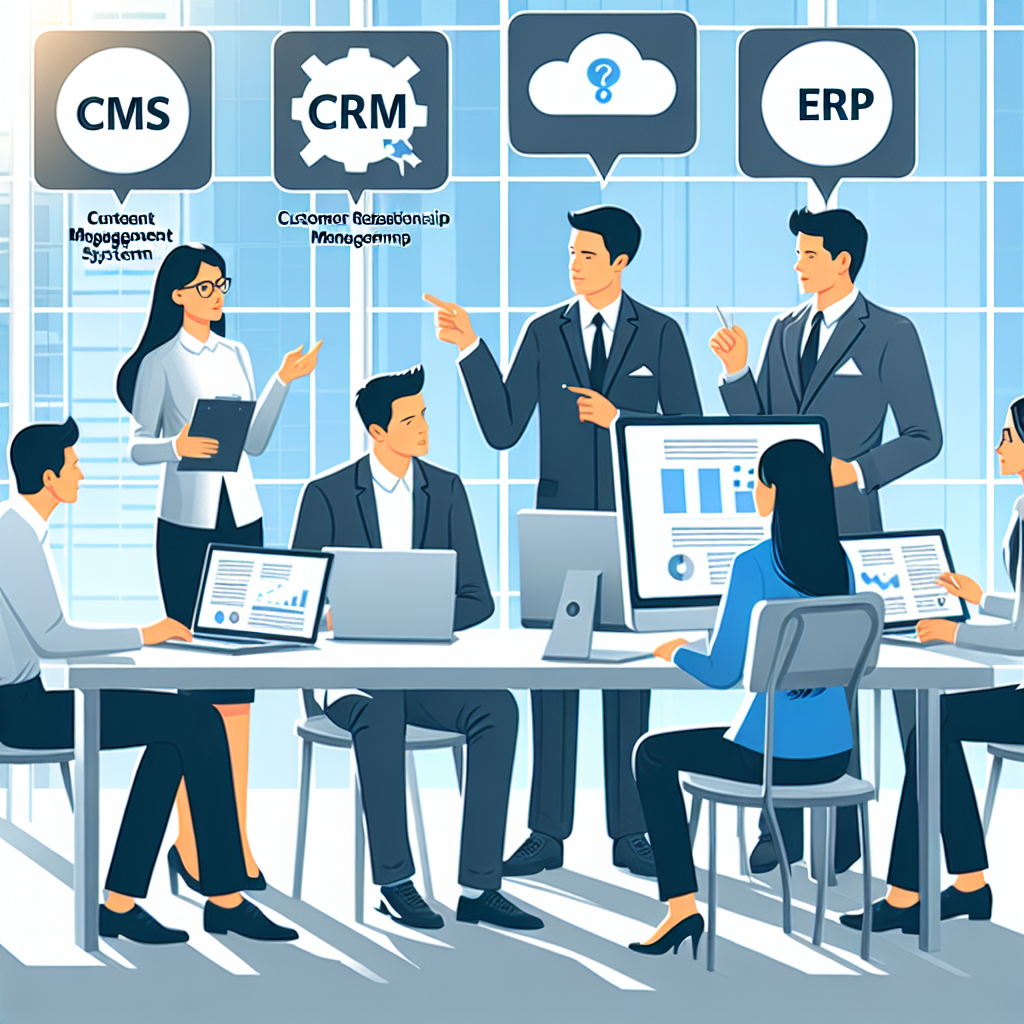
Understanding the different types of systems available today is crucial for any business looking to enhance efficiency and streamline operations. So, lets dive into the distinctions among CMS, CRM, and ERP systems. ⭐
A Content Management System (CMS) allows users to create, manage, and modify content on a website without needing extensive technical knowledge. Think of it as your web content toolbox. It’s perfect for businesses that prioritize engaging with customers through rich content. Examples include WordPress, Joomla, and Drupal. Users can easily manage blogs, company news, and product pages without developer assistance.
A Customer Relationship Management (CRM) system focuses on managing a companys interactions with current and potential customers. It’s all about relationships! A CRM enables businesses to track communications, sales leads, and customer preferences. Popular examples include Salesforce, HubSpot, and Zoho. If your goal is to enhance customer engagement or boost sales, a CRM is the way to go! ⭐
Enterprise Resource Planning (ERP) systems integrate various essential business processes, including finance, HR, supply chain, and manufacturing. It’s like the brain of your business, streamlining operations and allowing for cohesive communication between departments. Examples include SAP, Oracle ERP Cloud, and Microsoft Dynamics. An ERP system is best suited for larger organizations needing to manage vast operational tasks and resources efficiently. ⭐
| Feature | CMS | CRM | ERP |
|---|---|---|---|
| Purpose | Manage website content | Manage customer interactions | Integrate business processes |
| Users | Content creators, marketers | Sales, support teams | All departments |
| Complexity | Low to moderate | Moderate | High |
| Customization | Themes, plugins | Custom fields, reports | Modules, integrations |
| Cost | Low to moderate | Moderate | High |
| Examples | WordPress, Joomla | Salesforce, HubSpot | SAP, Oracle ERP |
Imagine you own a growing eCommerce business: You’re publishing new products frequently, engaging with customers, and managing inventory. This is where all three systems synergize. A CMS enables you to manage product pages, a CRM keeps track of customer inquiries, and an ERP manages stock levels and order fulfillment—creating a smooth operation! ⭐
One common misunderstanding is that these systems can substitute for one another. In reality, each serves unique functions. For example, a CRM cannot manage website content; that’s the job of a CMS! When chosen correctly, these tools complement one another perfectly, offering comprehensive solutions to your business needs. ⭐
At webmaster.md, we offer a full spectrum of services that can help you not only understand these systems but implement them effectively. With 20 years of experience, our specialists are here to guide you through selecting and integrating the right software solutions tailored to your business needs. Don’t hesitate to contact us at +373 601 066 66 or visit our website at webmaster.md. Together, let’s optimize your business’s potential! ⭐
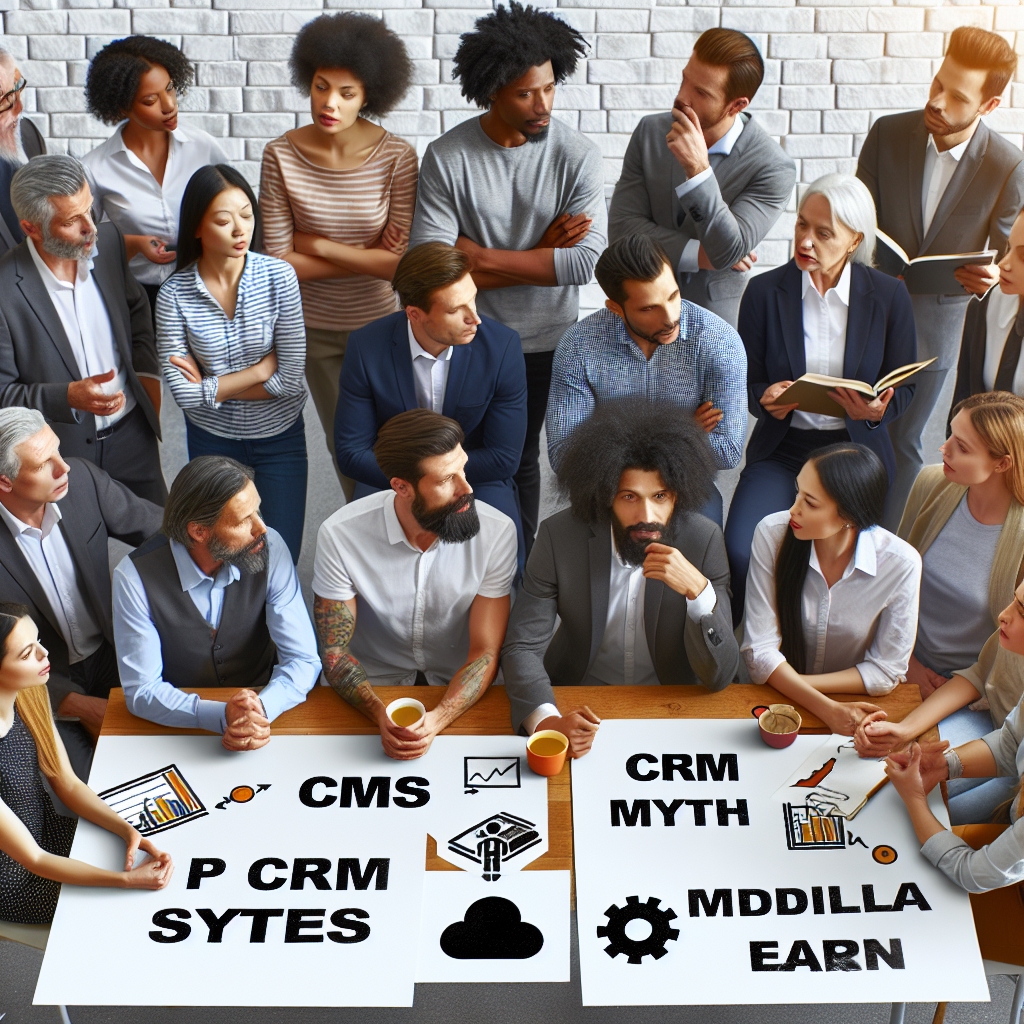
When discussing CMS, CRM, and ERP systems, myths and misconceptions abound. Such misunderstandings can hinder businesses from fully utilizing these powerful tools. In this chapter, we aim to debunk some of the common myths surrounding these essential solutions and share the facts you need to know! ⭐️♂️
One of the biggest misconceptions is that a CMS is only suitable for blogs or content-heavy sites. While it’s true that CMS platforms like WordPress started primarily focused on blogging, they have evolved tremendously. Today, businesses use CMS platforms to manage all types of websites, from online stores to corporate portfolios. ⭐
For example, consider an online retailer that uses Shopify—a type of CMS—to manage inventory, product pages, and customer interactions all in one place. This underscores the versatility of CMS platforms in supporting various business needs!
Many believe that CRM solutions are reserved for large corporations with extensive sales teams. The reality is quite the opposite! Small businesses stand to gain significantly from a CRM system. ⭐
For instance, a local coffee shop could use a CRM to track customer preferences and feedback, enhancing customer satisfaction and loyalty. This level of engagement isn’t limited to larger organizations; small businesses can also build meaningful relationships with their customer base!
Some entrepreneurs think that ERP systems are only useful for large-scale operations owing to their complexity and cost. While ERPs can indeed be sophisticated, there are many user-friendly and scalable options available today. ⭐
Smaller manufacturers and service providers can benefit from ERP solutions designed specifically for their needs, improving operational efficiency and data integration across departments. Companies like Odoo offer scalable solutions that can grow alongside your business.
There’s a common belief that CMS, CRM, and ERP systems can be used interchangeably. However, each serves distinct functions that are crucial to different aspects of business operations. ⭐️
For example, a CMS focuses primarily on managing website content, while a CRM deals with customer interactions, and an ERP integrates various functions such as finance and supply chain. They can complement each other and work together to drive business success, but they do not replace one another!
Many businesses fear that the implementation of these systems is a long and burdensome process. While it can seem intimidating, the truth is that with the right planning and support, these systems can be integrated smoothly and efficiently. ⭐
For example, think of a company that hires an expert IT consultant to assist in integrating a new CRM. With their guidance, the transition can occur with minimal disruption, optimizing overall business functionality!
Concern: “What if these systems are too expensive?”
The reality is that most CMS and CRM platforms cater to various budgets. For example, a basic CMS setup can cost as low as 299 EUR, allowing businesses to start small and grow their investments as needed. ⭐
We recently worked with a mid-sized manufacturing firm that was skeptical about investing in an ERP system because they thought it would complicate their already streamlined processes. After a thorough consultation, we demonstrated how an ERP could unify their operations, saving both time and money. In the end, the company saw a 25% increase in efficiency after implementation! ⭐
At webmaster.md, we specialize in helping businesses navigate the complexities of these systems. With over 20 years of experience in the IT sector, our professional specialists can guide you through the process of selecting and implementing the right solutions tailored to your needs. Contact us today at +373 601 066 66 or visit our website at webmaster.md for personalized assistance! ⭐

As we move further into the digital age, the landscape of business operations is continually evolving. Advanced CMS technologies are playing a pivotal role in shaping these changes and positioning companies for success in the future. In this chapter, we’ll explore the emerging trends in CMS technologies and how they are influencing modern business strategies. ⭐
Consumers today expect personalized experiences. Advanced CMS technologies are now incorporating machine learning and AI to analyze user behavior and tailor content in real time. Personalization not only boosts user engagement but also increases conversion rates. For example, an online retailer can leverage a CMS to display personalized product recommendations based on a user’s previous browsing history. ⭐
Statistics show that personalized experiences can lead to a 20% increase in sales. Businesses adopting these technologies are clearly seeing the advantages.
As companies compete for attention online, providing an optimal user experience has never been more critical. Advanced CMS platforms are now equipped with features that improve navigation, loading times, and mobile responsiveness, all essential aspects of a good UX. ⭐
Imagine a travel agency that utilizes a CMS to create a seamless booking experience for its customers. By streamlining processes and making key information readily accessible, they can significantly enhance overall satisfaction.
Incorporating new technologies is essential for staying competitive. Today’s advanced CMS platforms are compatible with a variety of tools, including CRM systems, chatbots, and social media channels. This integration provides businesses with a holistic view of their operations and enables them to run smoother marketing campaigns. ⭐
For instance, a restaurant could integrate its CMS with a booking system and a chatbot to handle customer inquiries. This provides customers with immediate responses, enhances communication, and improves efficiency.
As cyber threats become increasingly sophisticated, security is more crucial than ever. Advanced CMS platforms now prioritize strong security features and ensure compliance with regulations like GDPR. Businesses can rest assured that their customer data is protected, which is critical for maintaining trust. ⭐
Cybersecurity statistics indicate that 43% of cyberattacks target small businesses. Thus, selecting a CMS that offers robust security measures can mean the difference between success and failure.
The rise of low-code and no-code CMS platforms allows users who lack technical skills to create and manage websites easily. These solutions empower businesses of all sizes to take control of their online presence without needing substantial IT investment. ⭐
For instance, a small non-profit could use a no-code CMS to set up a donation page and blog, allowing them to focus on their mission rather than technical hurdles.
Consider a retail brand that integrated an advanced CMS to revamp its online strategy. By focusing on personalization, they tailored their product recommendations based on customer preferences and behavior. The result? A whopping 30% increase in customer retention rates and a solid boost in average order value! The power of an advanced CMS can truly transform an organization’s approach to business. ⭐
At webmaster.md, we understand that navigating the evolving landscape of CMS technologies can be daunting. Our experienced specialists are here to help you adopt and implement the latest CMS solutions tailored to your business needs. With over 20 years in the industry, we aim to empower your business for the future. Don’t hesitate to reach out at +373 601 066 66 or visit our website at webmaster.md. Let’s shape your business strategy together! ⭐

Leaders in the IT market |
| 14+ years of experience and innovative solutions to help your business stand out and grow. |

Inspiring portfolio |
| 150+ successful projects: from sleek landing pages to complex corporate systems. |

Team of experts |
| 51+ professionals who bring your ideas to life with maximum efficiency. |

| NOTORIUM TRADEMARK AWARDS |
| Notorium Trophy 2017, Notorium Gold Medal 2018, Notorium Gold Medal 2019 |

| TRADE MARK OF THE YEAR |
| Gold Medal 2016, Gold Medal 2017, Gold Medal 2018, Gold Medal 2019 |

| THE BEST EMPLOYER OF THE YEAR |
| According to the annual Survey conducted by AXA Management Consulting - 2017, 2018, 2019 |